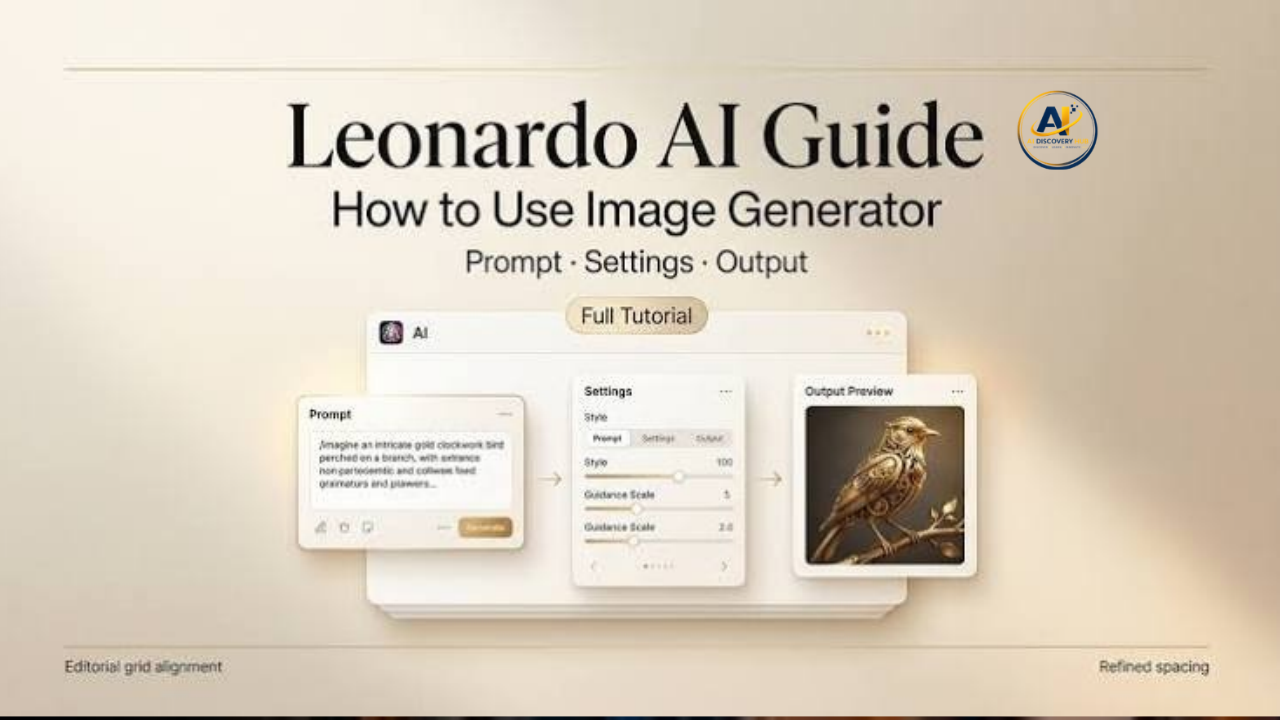
Leonardo AI Image Generation is a popular way to create digital visuals using artificial intelligence. Instead of starting with a blank canvas and creating every detail manually, users can describe an idea in a text prompt and let AI turn that description into an image. Leonardo AI also supports image-to-image creation, editing, upscaling, and other creative tools, making it useful for bloggers, designers, marketers, artists, and content creators.
Whether you want a realistic photograph, digital artwork, product concept, social media graphic, fantasy scene, or creative illustration, Leonardo AI provides different models and tools that can help turn an idea into a finished visual.
What Is Leonardo AI Image Generation?
Leonardo AI Image Generation is an AI-powered image creation system that allows users to generate visuals from text prompts or existing images. You can describe the subject, environment, style, lighting, mood, colors, and other details, and the system creates an image based on the instructions.
Leonardo also allows users to choose between different models or use an automatic selection option. Its official platform currently describes features such as text-to-image, image-to-image, image editing, background removal, image guidance, consistent characters and styles, and upscaling.
This makes Leonardo more than a simple text-to-image generator. Users can create an initial image and then continue refining it instead of generating a completely new image every time.
How Does Leonardo AI Image Generation Work?
The basic process starts with a prompt. A prompt is a written description that tells the AI what you want to see.
For example, instead of simply writing:
“A city”
you can provide a more detailed description such as:
“A modern city street at sunset, tall glass buildings, warm evening lights, people walking on the sidewalk, cinematic photography, realistic details.”
A detailed prompt gives the AI more information about the intended subject and visual style.
Leonardo’s official beginner guide explains that users can enter a prompt, generate an image, and switch between available models to experiment with different results.
How to Generate an Image With Leonardo AI
Creating an image with Leonardo AI is relatively straightforward.
1. Open Leonardo AI
Start by opening Leonardo AI and signing in or creating an account. The platform provides access to its image-generation tools through its web application.
2. Enter Your Prompt
Write a description of the image you want to create. Include useful details such as the subject, location, style, lighting, colors, camera angle, and mood.
For example:
“A cozy wooden cabin beside a mountain lake, early morning fog, pine trees, soft sunlight, realistic landscape photography, highly detailed.”
3. Select a Model or Use Auto
Leonardo provides different image models designed for different creative requirements. Users can select a model manually or use automatic model selection where available. Leonardo currently highlights models such as Lucid Origin and Lucid Realism for general and photorealistic image-generation tasks.
4. Generate the Image
After entering your prompt and selecting the desired settings, generate the image. Leonardo creates visual results based on your instructions.
5. Refine the Result
If the first image is not exactly what you wanted, you can change the prompt or use Leonardo’s editing and refinement features. This allows you to improve details instead of starting from the beginning every time.
Leonardo AI Text-to-Image Generation
Text-to-image is one of the main features of Leonardo AI. It converts written descriptions into visual content.
This can be useful when you have an idea but do not have the photography, drawing, or design skills required to create it manually.
For example, a blogger writing about travel could create an image of a mountain destination. A business owner could create a product concept. A game developer could experiment with character or environment ideas.
The quality of the output depends heavily on the prompt, selected model, and refinement process.
Leonardo AI Image-to-Image Generation
Leonardo AI also supports image-to-image workflows. Instead of starting entirely from text, users can provide an existing image or reference and transform it into a different visual direction.
For example, an existing sketch could be developed into a more polished visual. A photograph could be transformed into an artistic style, or a reference image could help guide the appearance of a new generation.
This feature can be especially useful for creators who already have a rough concept but want AI assistance to develop it further.
Leonardo AI Image Editing
Generating an image is only one part of the creative process. Leonardo also provides AI-based editing tools that allow users to modify generated visuals.
Its current platform includes Omni Editing, which can be used to make changes directly to an image using prompts. Other tools include background removal and image guidance.
This means a creator can generate an image and then continue improving it without having to recreate the entire visual.
Writing Better Leonardo AI Prompts
The prompt is an important part of AI image generation. A vague prompt can produce a result that does not match your expectations.
A useful prompt can include several elements:
- Subject: What should appear in the image?
- Environment: Where is the subject?
- Style: Should it look realistic, artistic, cinematic, illustrated, or futuristic?
- Lighting: Daylight, studio lighting, sunset, neon, or soft light.
- Composition: Close-up, wide shot, portrait, aerial view, or centered composition.
- Mood: Calm, dramatic, cheerful, mysterious, or energetic.
- Details: Materials, colors, clothing, textures, objects, and background elements.
For example, instead of saying “a dog,” you could write:
“A golden retriever sitting in a green park during golden hour, soft sunlight, natural background, realistic photography, shallow depth of field.”
Clear descriptions give the generation system more information about the intended result.
Leonardo AI for Photorealistic Images
Leonardo can also be used for realistic AI photography. Its official photography guidance recommends models such as Lucid Origin and Lucid Realism for photorealistic work, while users can also use automatic model selection.
When creating realistic images, details such as lighting, depth, textures, proportions, camera perspective, and environment can make a major difference.
Creators can generate realistic-looking scenes for websites, presentations, concepts, social media, and other creative projects.
Leonardo AI for Bloggers and Website Owners
Bloggers can use AI-generated images to create visual content for articles. Instead of searching for a suitable stock image for every topic, a blogger can create a custom visual that matches the article.
For example, a technology website could create images related to artificial intelligence, cybersecurity, smartphones, software, or futuristic technology.
AI-generated visuals can also be useful for featured images, social media posts, thumbnails, illustrations, and visual explanations.
However, website owners should still check the usage terms and make sure that generated content is appropriate for the intended purpose.
Leonardo AI for Social Media Content
Social media creators need visual content regularly. Leonardo AI can help create original concepts for posts, banners, illustrations, and other graphics.
A creator could generate several visual ideas around the same topic and then refine the preferred version. Leonardo also offers tools for maintaining consistency across characters and styles, which can be useful when creating multiple visuals for a campaign.
Can Leonardo AI Images Be Used Commercially?
Leonardo states that images created with its platform can be used for commercial purposes, subject to its terms and applicable usage rules. Users should review the latest Leonardo terms and commercial-use guidance before using AI-generated images in products, advertisements, client projects, or other commercial work.
This is particularly important for businesses and freelancers because commercial projects can involve additional legal, licensing, or ownership considerations.
Is Leonardo AI Free?
Leonardo offers a free way to try its AI image-generation tools, while additional features and higher usage can be available through its paid plans. The exact features and limits can change over time, so users should check Leonardo’s current pricing information before choosing a plan.
For someone who is learning AI image generation, starting with the available free option can be a practical way to understand the platform before deciding whether additional features are needed.
Benefits of Leonardo AI Image Generation
Leonardo AI has several useful features for creators.
Easy creative workflow: Users can start with a text prompt or image and continue refining the result.
Different visual styles: The platform supports realistic and artistic image creation across different creative directions.
Image editing: Generated visuals can be edited and refined instead of being discarded completely.
Upscaling: Leonardo provides tools for increasing image resolution and improving visuals for different uses.
Consistency: Tools for consistent characters, styles, and brand elements can help creators maintain a similar visual identity across multiple images.
Multiple creative uses: Images can be useful for blogs, social media, concepts, presentations, marketing, and personal creative projects.
Limitations to Keep in Mind
AI image generation is powerful, but it is not perfect. Generated images can sometimes contain incorrect details, unusual proportions, inconsistent objects, or other visual mistakes.
Text inside generated images can also require additional refinement depending on the model and design.
For professional work, it is a good idea to review every generated image carefully before publishing it. If something looks incorrect, changing the prompt or using editing tools can often improve the result.
Leonardo AI Image Generation vs Traditional Design
Traditional graphic design gives creators direct control over every element from the beginning. AI image generation works differently. Instead of manually creating every visual component, the creator describes an idea and uses AI to produce possible results.
This can save time during brainstorming and prototyping. However, AI does not remove the need for human creativity. The creator still needs to choose good ideas, write effective prompts, review results, and make appropriate edits.
For many workflows, AI works best as a creative assistant rather than a complete replacement for human decision-making.
Final Thoughts
Leonardo AI Image Generation provides a flexible way to turn ideas into visual content. Its tools cover text-to-image generation, image-to-image workflows, editing, image guidance, background removal, upscaling, and other creative tasks.
For bloggers, designers, marketers, artists, and social media creators, Leonardo can make it easier to experiment with visual ideas and produce customized images. The quality of the final result depends on the prompt, model, settings, and refinement process.
If you are new to AI image generation, start with simple prompts, experiment with different styles, and gradually add more specific details. With practice, Leonardo AI can become a useful part of a modern creative workflow.